









01Build
Drag, drop, done
Lay out the day in minutes. Move a block and everything that depends on it moves with it.
Build the run of show once. Share the right slice with the florist, the band and the couple, and watch every change land everywhere at the same moment.
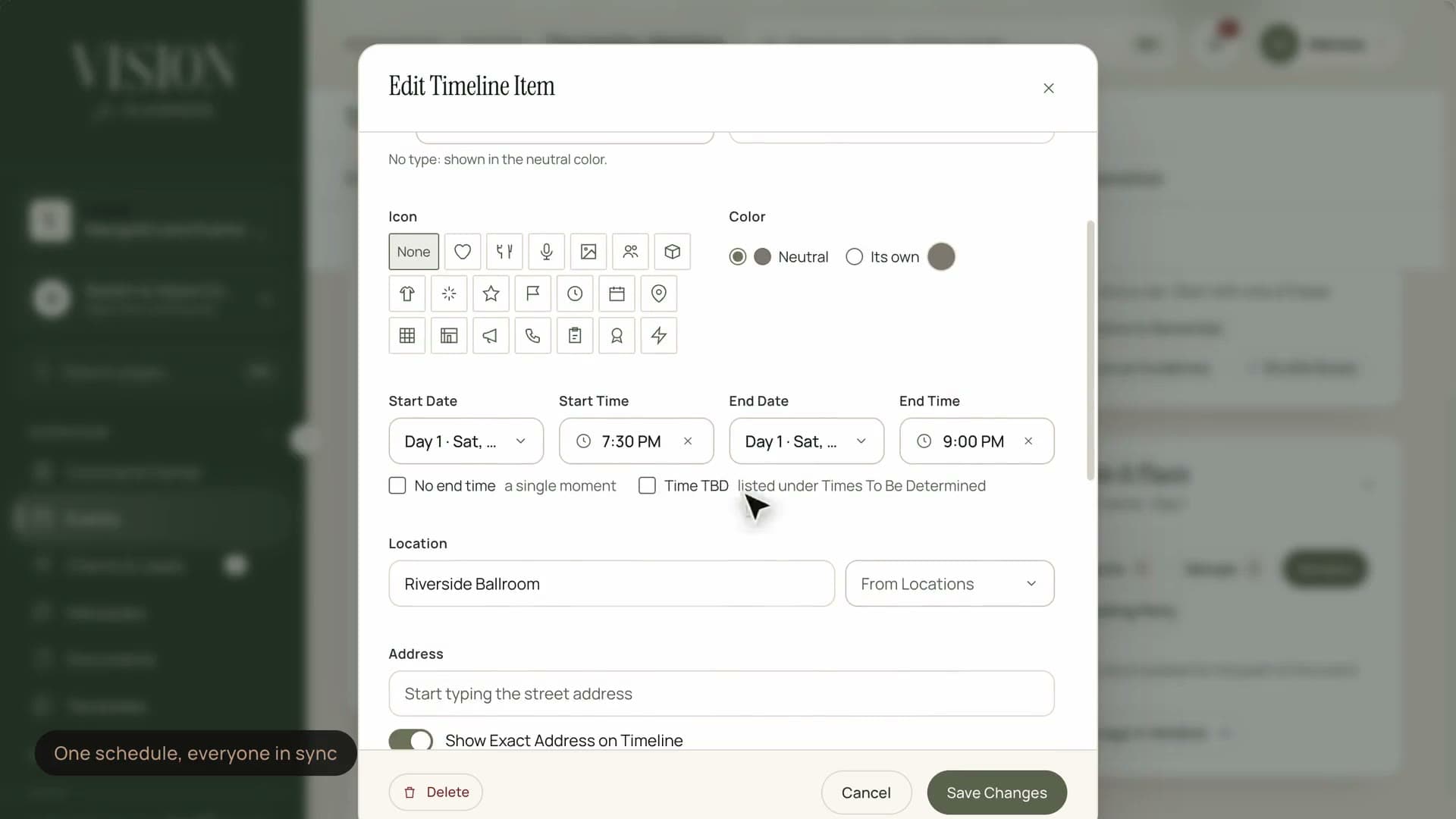
Move one moment and the whole run of show stays in line.
Most timelines live in a document that is out of date the moment it is sent.

Version four of the PDF is already wrong by the time it reaches the caterer.
Lay out the day in minutes. Move a block and everything that depends on it moves with it.
Every moment has a person responsible, so nothing relies on someone remembering to ask.
Turn the wedding that ran perfectly into the starting point for the next one.
Send each vendor only the part of the day that concerns them, as a live link that never goes stale.
Export a tidy, branded document for the people who still want a printed copy on the day.
When a time moves, the people it affects hear about it without you writing a single email.
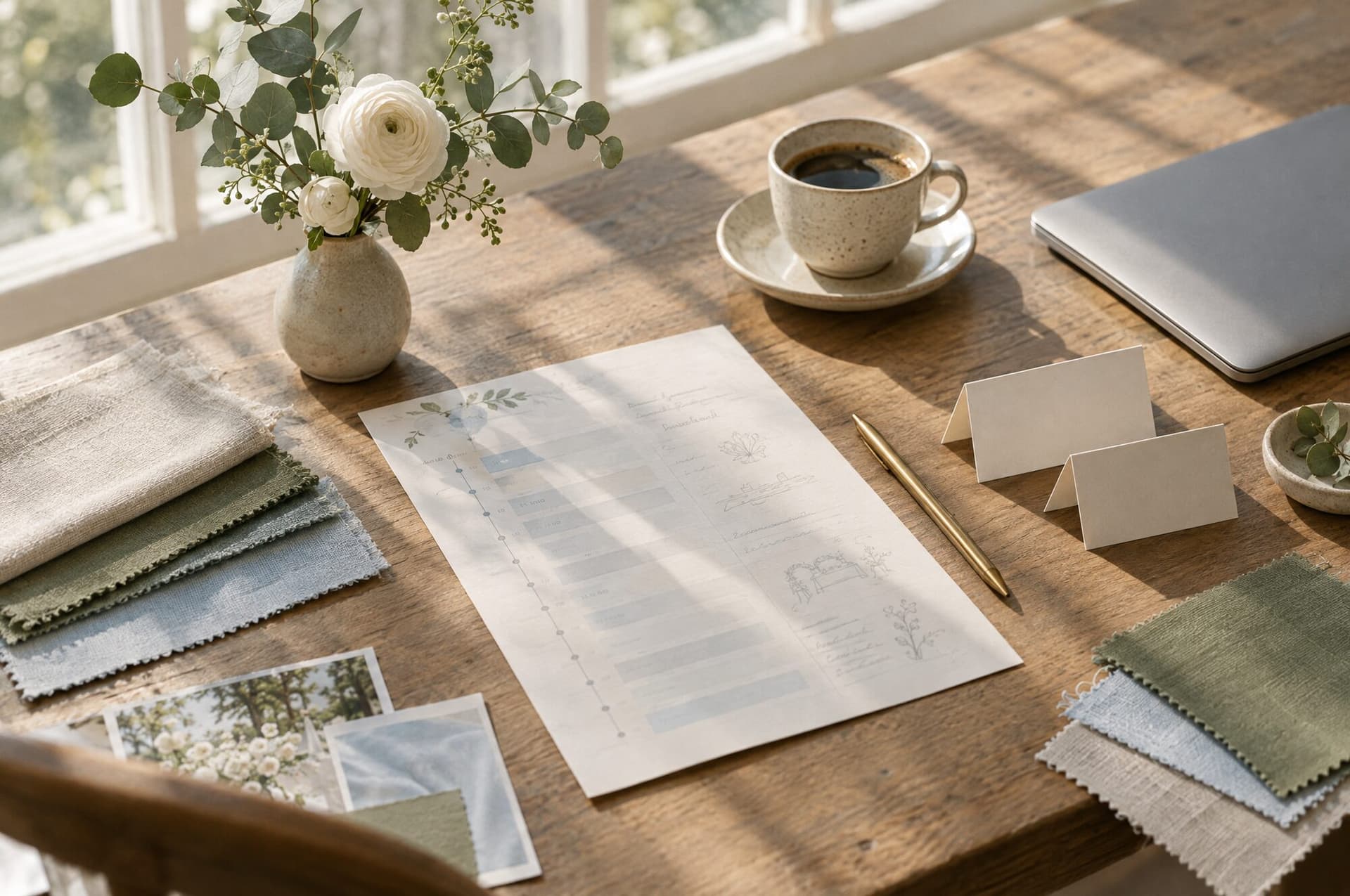
The photographer needs to know when the light is good. The caterer needs to know when the doors open. Neither needs the whole day. Slices keep each person focused on their own part.
That feeling is engineered long before the doors open.
Open the template you trust, or lay out the day from nothing.
Ceremony, service, speeches, transitions. Give each one a time, a place and an owner.
Floor plans, contact numbers and notes live on the block, right where they are needed.
Invite vendors and team members to the pieces of the day that are theirs.
Move anything at any time. Everyone affected is updated and nobody is left holding an old version.
The next three things, who owns them and how to reach them, without opening anything else.
Check and adjust the schedule from the floor, not from behind a laptop.
Each block says who passes the baton to whom, so transitions never fall in the gap between teams.
Only if you allow it. By default vendors see their slice in read-only form. You choose who can comment and who can change times.
Yes. Save any timeline as a template and start the next event from it, keeping the structure and clearing the specifics.
If you share it with them. The client portal can show a simplified view of the day, without any of your internal notes.
Everyone with that slice sees the new time straight away, and the people you choose are notified.

The Founding Planner Beta is open. Early access, direct input on what gets built, and pricing locked in before public launch.
Empowering the people behind extraordinary events