









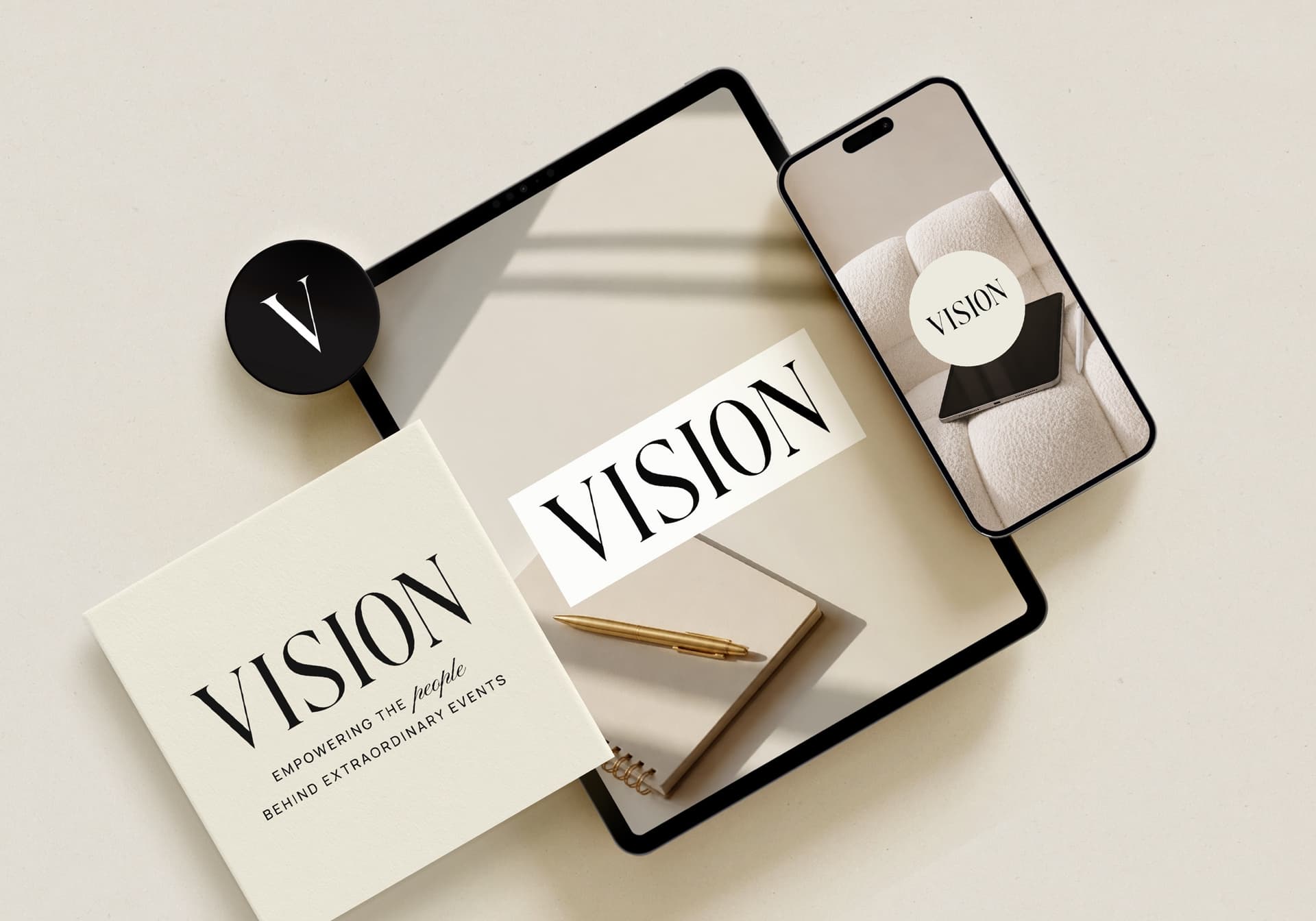

Your logo, brand colors and business name appear across the client portal, from the sign-in screen to invoice emails. It is worth doing first.
Steps
- 1Create your account and choose the account type that fits your business.
- 2Open your business settings and add your business name and logo.
- 3Choose the brand colors the client portal should use.
- 4Preview the portal as a client would see it before you invite anyone.
On the Planning Team and Agency plans you can also use a custom domain for a fully white-labeled portal.
Still need help?
Write to Support@myeventvision.com and a planner from our team will reply, usually within a day.
Contact support